IPTV South Africa 2026: How It Works, What You Need and How to Choose
🔑 Key Points
- IPTV South Africa services stream TV over fibre, LTE or 5G — no dish or decoder needed.
- Plan for about 10 Mbps per HD stream and 25 Mbps for 4K.
- A small UPS keeps your router online during load shedding.
- The technology is legal; what matters is whether the content is licensed.
- Always test with a free trial at peak time before you pay.
IPTV South Africa searches usually start with the same questions: what do I need, how much data will it use, and who can I trust? This guide explains how IPTV in South Africa works, which hardware and connection you need, and how to choose a provider without wasting money.
What Is IPTV and How Does It Work in South Africa?
IPTV (Internet Protocol Television) delivers TV channels and on-demand content over an internet connection instead of a satellite dish or aerial. With IPTV in South Africa, your fibre, LTE or 5G line takes the place of the decoder and dish. A provider sends the stream to a player app on your device, usually through an M3U playlist or an Xtream Codes login. New to these terms? Read our guide to M3U IPTV playlists.
What You Need for IPTV South Africa
Internet speed
About 10 Mbps per HD stream, 25 Mbps for 4K. Uncapped fibre is the safest choice.
A device
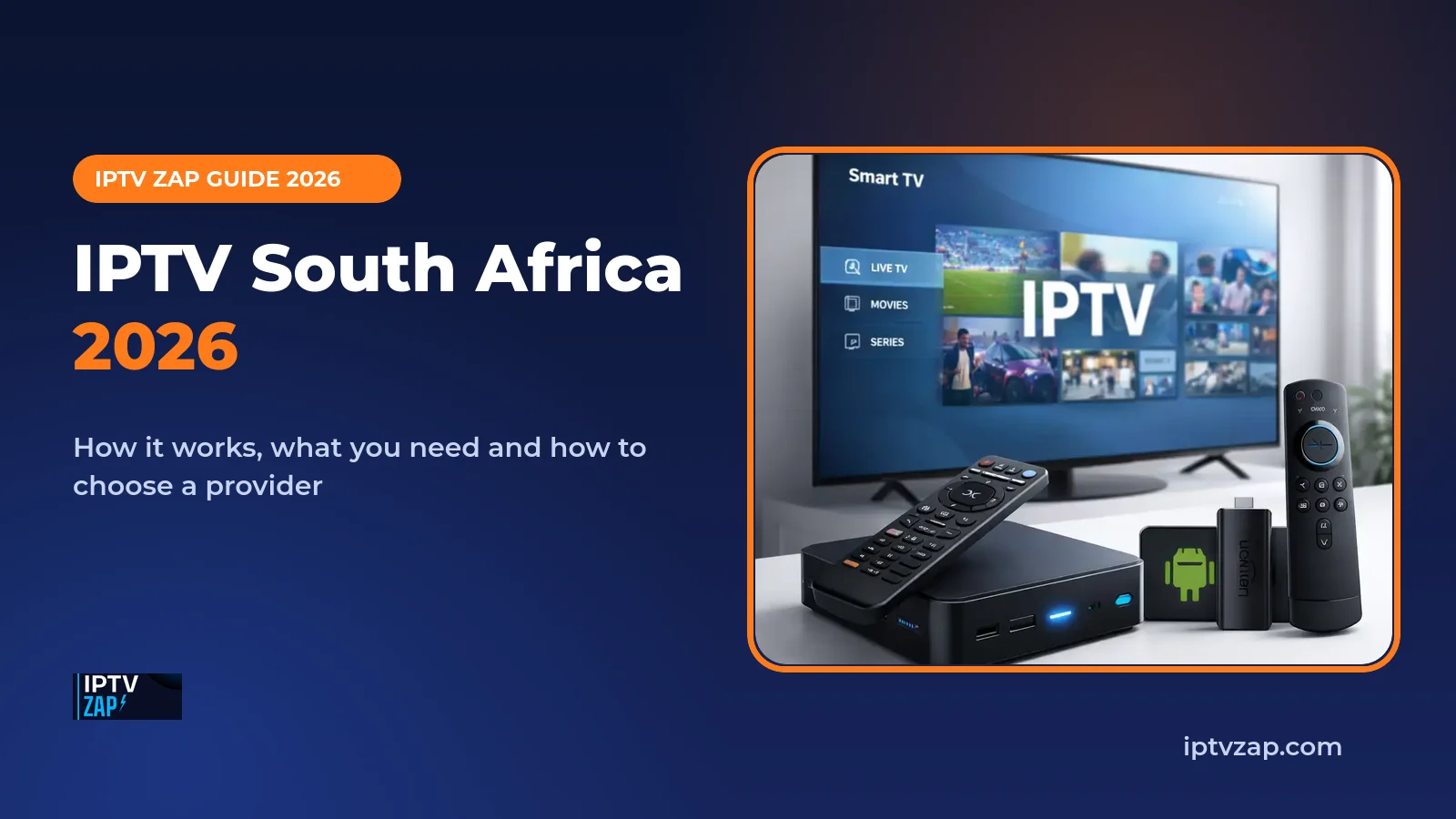
Android TV box, Fire TV Stick, smart TV, phone, tablet or computer. See our best IPTV box guide.
A subscription
Login details (M3U or Xtream Codes) from your IPTV South Africa provider.
HD streaming can use roughly 1.5 to 3 GB per hour. On capped LTE or 5G, keep an eye on your data and lower the quality if needed.
Load Shedding and IPTV in South Africa
Power cuts are a reality for many households. A small UPS or power bank for your router (and fibre ONT) keeps the connection alive, while a streaming stick or box draws very little power. That way a stage of load shedding does not have to mean the end of the match.
What Is an IPTV Service?
An IPTV service is the complete package a provider delivers to your screen, not just a list of channels. When you compare services, look at all of these parts:
- Channel and on-demand library: the live channels and any films or series included.
- Servers and stability: how well streams hold up during busy evenings and big matches.
- TV guide (EPG): accurate programme information that updates automatically.
- Apps and device support: the player apps and devices the service works with.
- Account and support: how you log in, renew and get help.
Two services with the same number of channels can feel very different in daily use, which is why a free trial matters more than any feature list. Start with the free trial and read our guide to choosing the best IPTV in South Africa.
IPTV South Africa vs Satellite: Quick Comparison
| Feature | IPTV | Satellite decoder |
|---|---|---|
| How it arrives | Internet (fibre, LTE, 5G) | Dish and decoder |
| Equipment | App on a box, stick, smart TV or phone | Dish, LNB and decoder |
| Weather | Depends on your internet only | Heavy rain can affect the signal |
| Watching away from home | Any internet connection | Usually tied to one decoder |
| Installation | Download an app and log in | Technician or dish alignment |
Weighing the switch? Our honest IPTV review compares IPTV with cable and streaming, and our guide to the best alternative to DStv covers every option.
How to Choose an IPTV South Africa Provider
| Check | Why it matters |
|---|---|
| Free trial | Test on your own connection before paying |
| Peak-time stability | Evenings and weekend sport expose weak servers |
| Support in SAST hours | Fast replies when something breaks |
| Clear pricing | No hidden renewals, clear cancellation terms |
| Channel list and EPG | Local, international, sport and kids that fit your home |
| Content transparency | A provider open about licensing is a safer bet |
For a detailed checklist, read best IPTV South Africa: 9 things to check.
How to Set Up IPTV in South Africa in 5 Steps
Check your real speed
Test on the device and Wi-Fi band you will use, in the evening.
Install a player app
On your TV box, stick, phone or smart TV.
Request a free trial
Ask for a free 24-hour trial from your provider.
Log in
Enter your Xtream Codes login or M3U link in the app.
Test at peak time
Watch in the evening or on match day before subscribing. Full walkthrough: how to set up IPTV.
Getting a Stable Signal at Home
- Use a cable where you can: Ethernet to the TV box is the most stable setup.
- Choose 5 GHz Wi-Fi: faster and less crowded than 2.4 GHz.
- Consider mesh Wi-Fi in a large or double-storey home.
- Pause heavy downloads during live viewing.
Sharing a busy network? Our IPTV VLAN setup guide shows how to prioritise streaming.
Common IPTV South Africa Problems and Fixes
| Problem | Likely fix |
|---|---|
| Buffering | Use Ethernet or 5 GHz Wi-Fi, restart the router, lower stream quality |
| No TV guide | Refresh the EPG in the app and check the EPG URL |
| Playlist will not load | Re-enter the URL, check username and password |
| Stream stops in a power cut | Put the router and fibre box on a small UPS |
Is IPTV Legal in South Africa?
For IPTV South Africa viewers, the key point is the rights behind the service. The technology itself is legal; what matters is whether the channels and shows are licensed. Broadcasting is regulated by ICASA, and streaming copyrighted content without permission can infringe copyright.
The easiest way to start with IPTV South Africa services is a short free trial on the device and connection you will really use. Compare plans on our IPTV subscription page before committing to IPTV in South Africa.
FAQ: IPTV South Africa
About 10 Mbps for each HD stream and 25 Mbps for 4K. Fibre is best, and a wired connection is more reliable than Wi-Fi.
Yes, but streaming uses a lot of data: roughly 1.5 to 3 GB per hour in HD. Check your data cap and the evening signal quality at home first.
Android TV boxes, Fire TV Sticks, smart TVs, phones, tablets and computers all work with a compatible player app.
IPTV technology is legal, but the content must be licensed. Unlicensed streams of copyrighted channels can infringe copyright. This is general information, not legal advice.
Yes, when your router or fibre box loses power. A small UPS for the router keeps your stream running during outages.
IPTV Zap Editorial Team
Streaming Technology Specialists · iptvzap.com
We test IPTV services on real connections, including fibre, LTE and 5G, to help South African viewers choose with confidence.
2 Responses